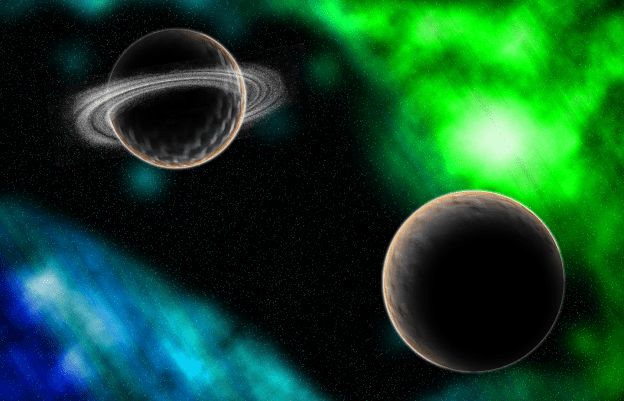
So this time as a class we had some fun designing an image of space. To do this we used many different techniques like adding noise to a background to add the stars. After we added all the stars we then set up a gradient background and made it so we could erase it and make a really cool nebula looking design. After the nebula’s were made we got to design the planets. This was a very fun process, but before we started putting them into Photoshop I had to take pictures of textures for the planet. The first one I took was of my desk and the other one was of someones pants leg. I then put those pictures into Photoshop and we used many different techniques to make them. We started but inserting the textures and converting the shape into a sphere. I then added some outside highlights to the planet and added a shadow. I repeated the same process for the second planet. to make the ring around the second planet we used the same process for the stars but converted it into a swirl, removed some of the outside parts and the center and collapsed it so it looked more like a ring.
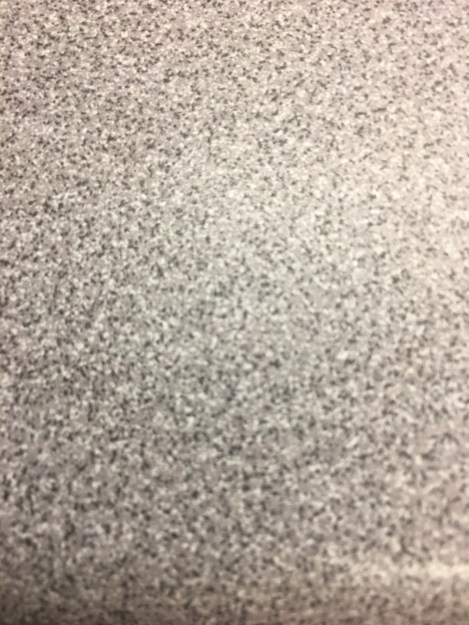
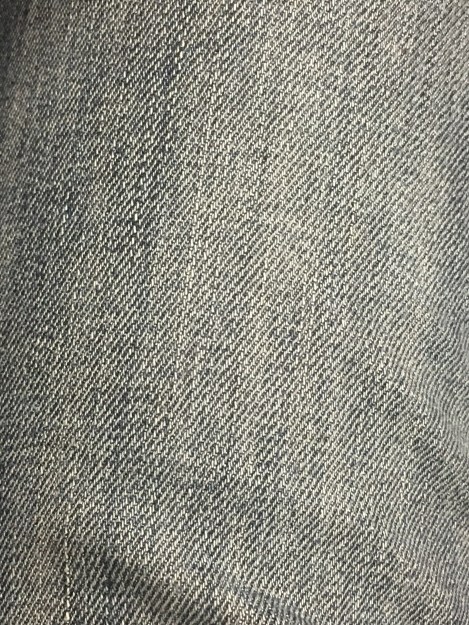
showed above are the textures i used to make the two planets.
 Fun Digital Media designs